 AI Ed
AI Ed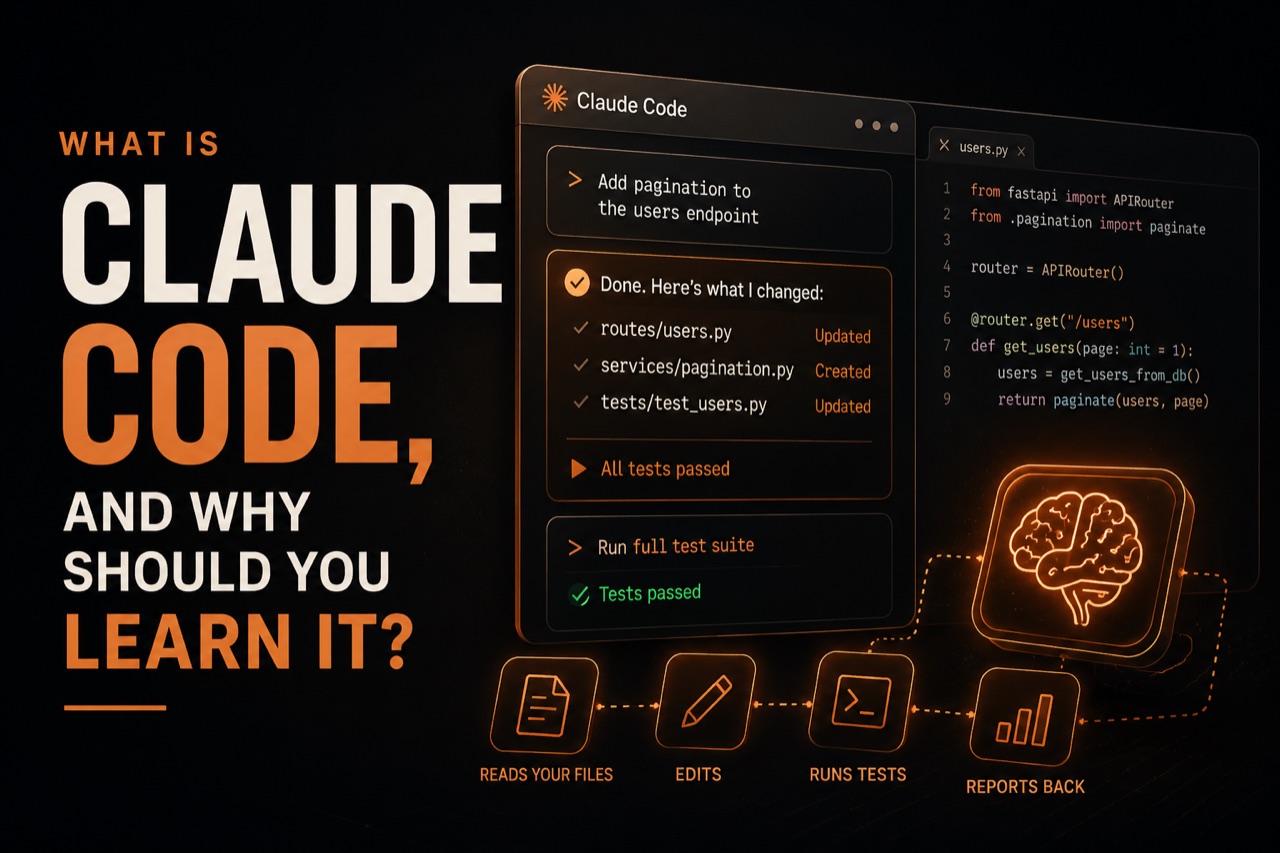
Claude Code
What is Claude Code and How to Start Learning It
Imagine you're staring at a blank screen, a complex AI problem in your head, but the usual coding tools feel clunky and slow. You know there's a better way to interact with AI models, to build and refine them, but where do you start? That's where Claude Code comes in.
What is Claude Code?
Claude Code isn't a traditional programming language like Python or Java. Instead, it's a way of interacting with and instructing large language models (LLMs) like Anthropic's Claude. Think of it as a specialized 'language' or a set of best practices and prompts designed to get the most out of powerful AI assistants for coding tasks. It's about communicating your intent clearly and effectively to an AI that can then generate, debug, or explain code.
The goal of Claude Code is to make AI-assisted development more efficient and intuitive. Instead of just asking an AI to 'write a Python script for X,' Claude Code encourages a more structured dialogue. This involves defining the task, specifying constraints, providing examples, and iterating based on the AI's output. It's a collaborative process between human and AI.
Why Learn Claude Code?
The landscape of software development is rapidly changing, with AI playing an increasingly central role. Understanding how to work effectively with LLMs is becoming a crucial skill for developers. Here's why learning Claude Code is valuable:
- Enhanced Productivity: By mastering prompt engineering and structured communication, you can get AI to perform coding tasks much faster than you could alone. This includes generating boilerplate code, writing unit tests, and even drafting documentation.
- Better AI Collaboration: Claude Code teaches you how to 'speak the AI's language.' This means understanding how LLMs process information and how to guide them towards producing accurate and relevant code.
- Debugging and Understanding: Not only can Claude help generate code, but it can also help you understand existing codebases or debug complex issues by explaining logic and suggesting fixes. Claude Code refines this process.
- Future-Proofing Your Skills: As AI becomes more integrated into development workflows, proficiency in AI-assisted coding will be a significant advantage.
Claude Code vs. Traditional Coding
It's important to distinguish Claude Code from traditional programming. You won't be compiling Claude Code in the same way you compile C++ or running it directly on a processor. Instead, Claude Code is about crafting the *inputs* to an LLM to achieve desired *outputs* in the form of code.
Traditional coding involves writing explicit instructions that a computer executes line by line. AI-assisted coding, using principles of Claude Code, involves describing the desired outcome or problem to an LLM, which then uses its vast training data to generate the solution. It's less about low-level instruction and more about high-level intent and refinement.
Claude Code is about collaborating with AI, not just using it as a tool.
This shift requires a different mindset. Developers need to become adept at prompt engineering, understanding the capabilities and limitations of LLMs, and critically evaluating the code generated by AI. You're still a programmer, but your toolkit and your process have expanded.
How to Start Learning Claude Code
Getting started with Claude Code might seem daunting, especially if you're used to traditional coding environments. However, the principles are accessible, and the best way to learn is by doing.
1. Understand the Basics of LLMs
Before diving deep into Claude Code, it helps to have a foundational understanding of what LLMs are and how they work. You don't need a Ph.D. in AI, but knowing that they are trained on massive datasets and generate responses based on patterns is key. Resources like the OpenAI research on GPT-4 or general explainers on LLM technology can be helpful.
2. Practice Prompt Engineering
The core of Claude Code is effective prompt engineering. This means learning how to write clear, specific, and context-rich prompts for the AI. Try experimenting with different phrasing, providing examples (few-shot learning), and setting constraints.
For instance, instead of:
Write a Python function to sort a list.
Try something more structured, embodying Claude Code principles:
I need a Python function called 'bubble_sort' that takes a list of numbers as input and returns the list sorted in ascending order using the bubble sort algorithm. Please include docstrings explaining the function, its parameters, and what it returns. Avoid using any built-in sorting functions.
3. Use AI Coding Assistants
The most direct way to practice Claude Code is by using AI coding assistants like Claude itself. Engage in coding tasks: ask it to write code snippets, explain errors, refactor existing code, or generate test cases. Pay close attention to how you phrase your requests and how the AI responds.
4. Learn Through Structured Lessons
While experimentation is valuable, structured learning can accelerate your progress. Many online platforms offer courses on AI and prompt engineering. However, these can often be lengthy and require significant time commitments, leading to low completion rates.
This is where AI Ed offers a different approach. Five-minute lessons that fit a real day, not 45-minute desktop courses you abandon, make learning AI concepts, including Claude Code principles, manageable. Our mobile-first approach means you can learn on the go, fitting education into your busy schedule.
With AI Ed, you get:
- Bite-sized Lessons: Master complex topics like Claude Code in just five minutes a day.
- Visible Progress: A unique plant-based streak system that grows as you learn and wilts if you skip a day, providing visual motivation and accountability.
- Tangible Achievements: Earn certificates to showcase your new skills.
AI Ed is designed for motivated individuals who are often time-poor and have previously struggled to complete longer courses. We provide the structure and accountability needed to build a consistent learning habit, focusing specifically on AI, machine learning, and Claude Code.
Ready to start your journey into AI-assisted development? Explore Claude Code and more with AI Ed's quick, engaging daily lessons. Download the app today.